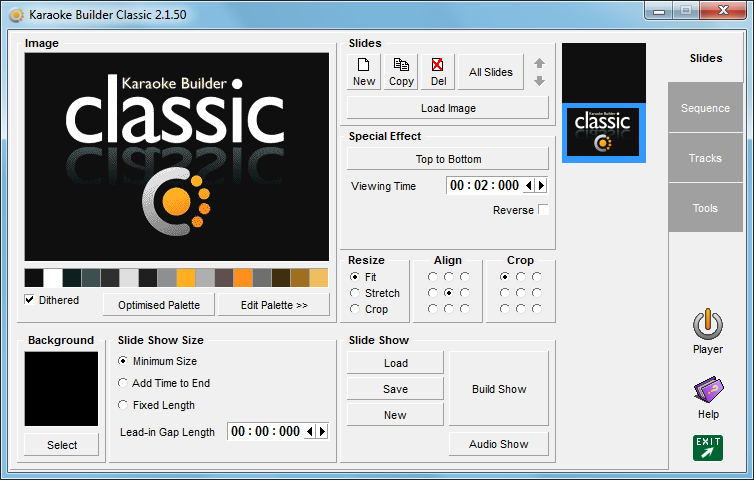
Karaoke Builder Classic lets you work with karaoke CD+G files, allowing you to add professional-quality images and special effects to any track. Tracks created with Karaoke Builder Classic can be put on a disc and will play just like the CD+G discs already in your collection.
Bring together a series of images and build your own customised sequence of pictures. Or add images to the start, end or middle of an existing Karaoke CD+G track - great for the karaoke professional wanting to add something special to the show, or for a home user wanting to spice up the party mood! Add an audio track and use it to introduce your show, or liven things up between singers... the possibilities are endless.
With Karaoke Builder Classic you can completely customise your collection of CD+G karaoke music, create your own tracks using spectacular images, and give some extra dazzle to your karaoke shows!
+Which do you need - Karaoke Builder Classic, or Karaoke Builder Studio, or both?
With Karaoke Builder Classic you can create
CD+G slideshows, and make changes to
existing tracks, but Karaoke Builder Classic does not create completely new tracks, at least not with lyrics you can synchronise yourself. Please take a look at
Karaoke Builder Studio if that's what you had in mind.
However, Karaoke Builder Studio cannot make changes to your existing library of karaoke titles, so if you need that ability, use Karaoke Builder Classic to do the job.
If you decide you need
both titles, we offer a 25% reduction in the cost of registering them together - look for the Karaoke Builder Bonus Pack on the
Buy Now page.
+Why change the name from 'Karaoke Builder' to 'Karaoke Builder Classic'?
Karaoke Builder Classic was originally called Karaoke Builder 2.0, and this sometimes caused confusion when people asked about Kararoke Builder Studio 5.1, assuming that it was simply an updated version of Karaoke Builder 2.0, rather than a separate product.
We decided to change the name to Karaoke Builder Classic to make the difference a little clearer, but if you were registered with the old name please be assured that your registration is valid for Karaoke Builder Classic too.

 Studio
 Audio Toolkit
 Player
 Classic